
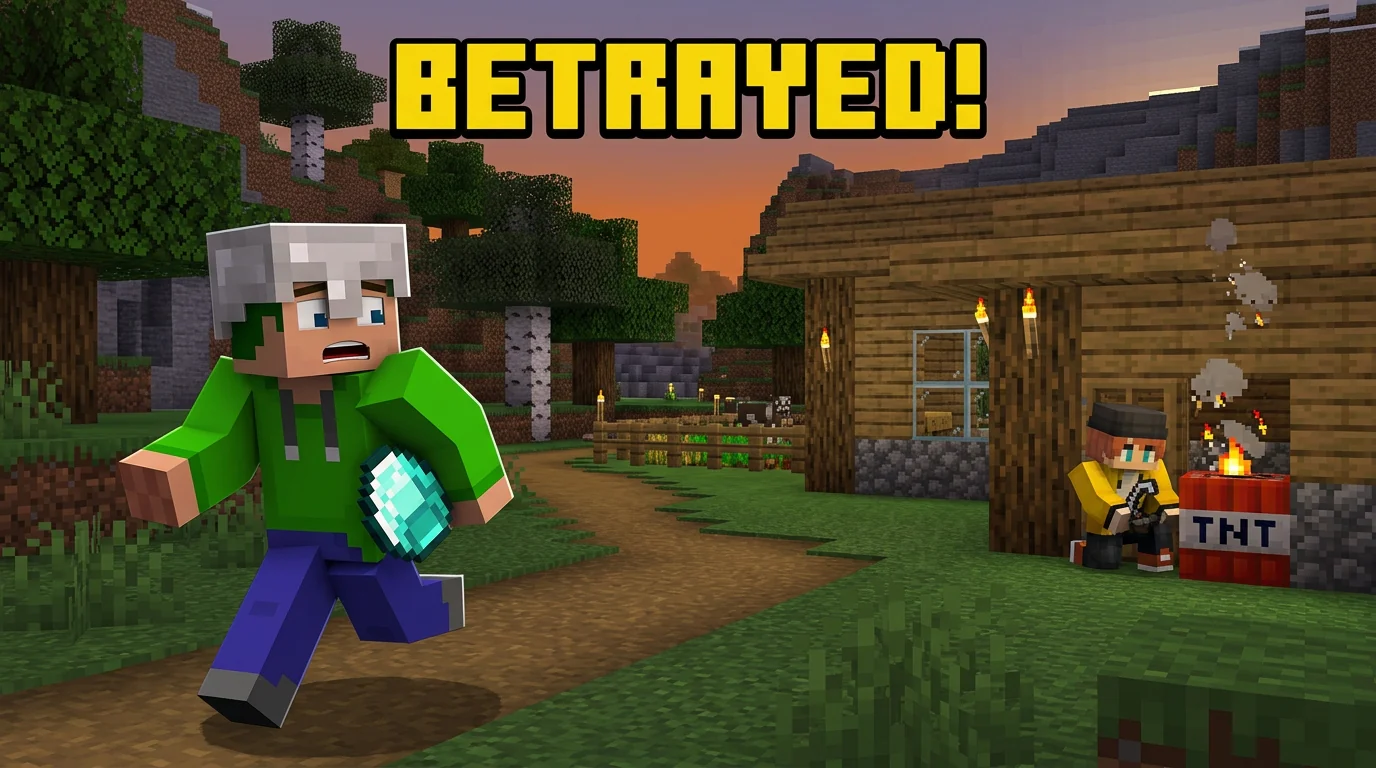
SMP Betrayal
A clear betrayal story with readable text and real game items.
Turn one video idea into click-focused Minecraft thumbnail concepts in seconds. Test different hooks to improve CTR while saving the hours and cost of hiring a professional designer for every draft.
A clear betrayal story with readable text and real game items.
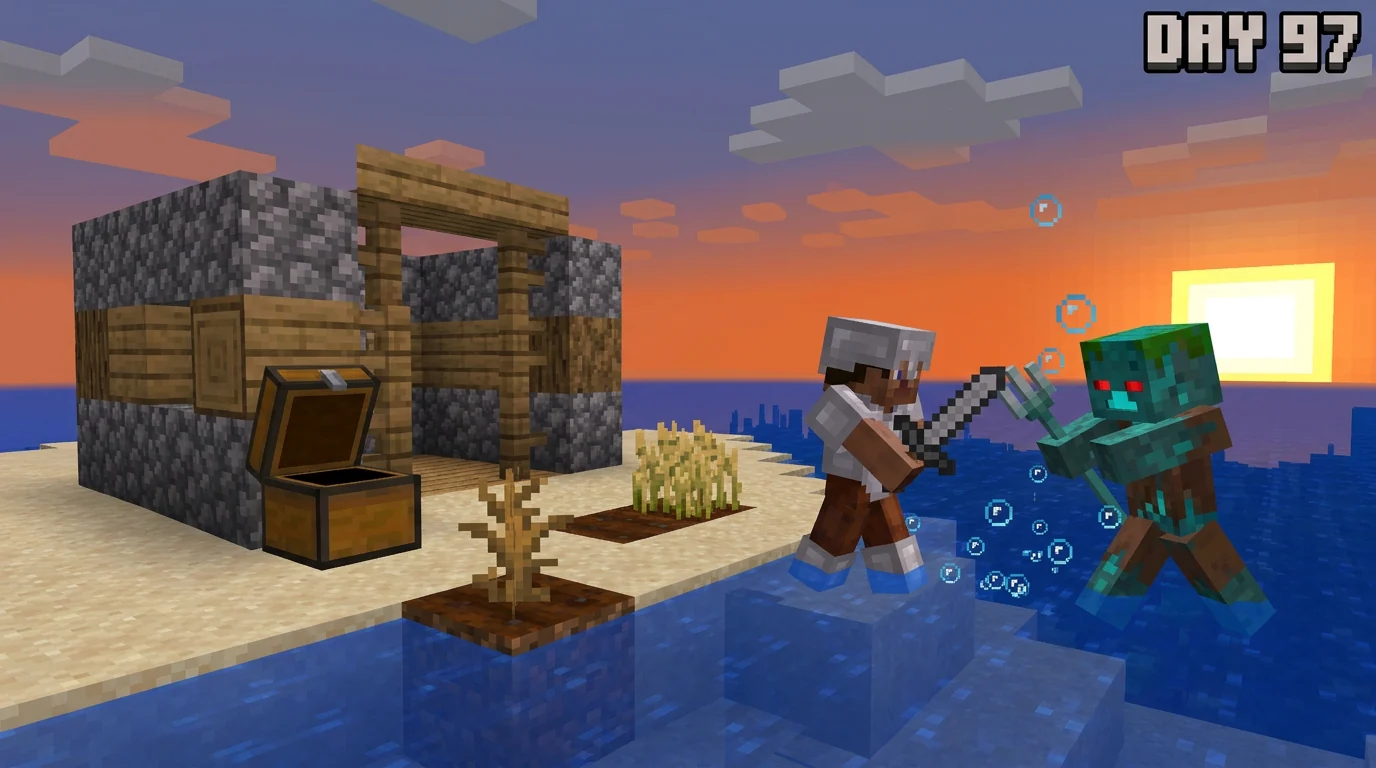
A survival milestone with one threat and a visible story.
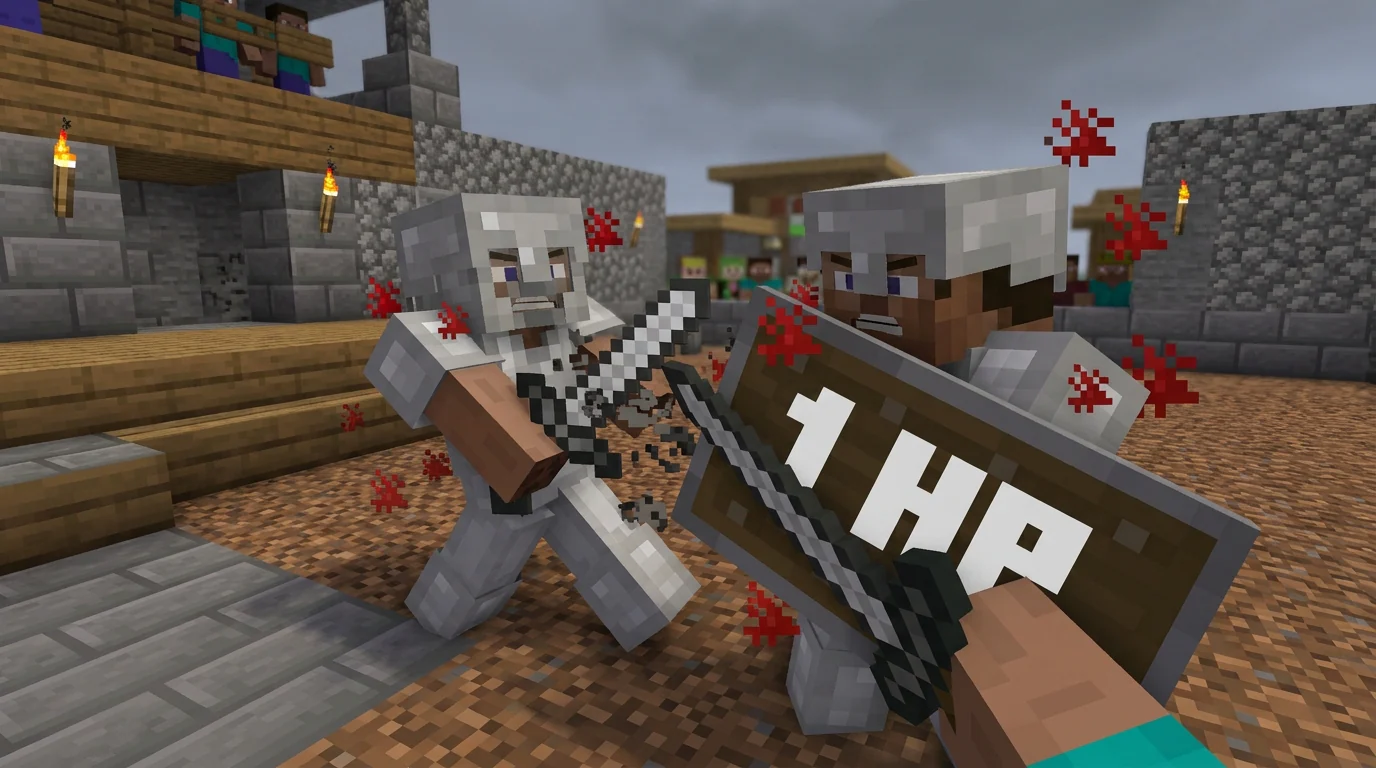
A close arena fight with an immediate one-heart hook.
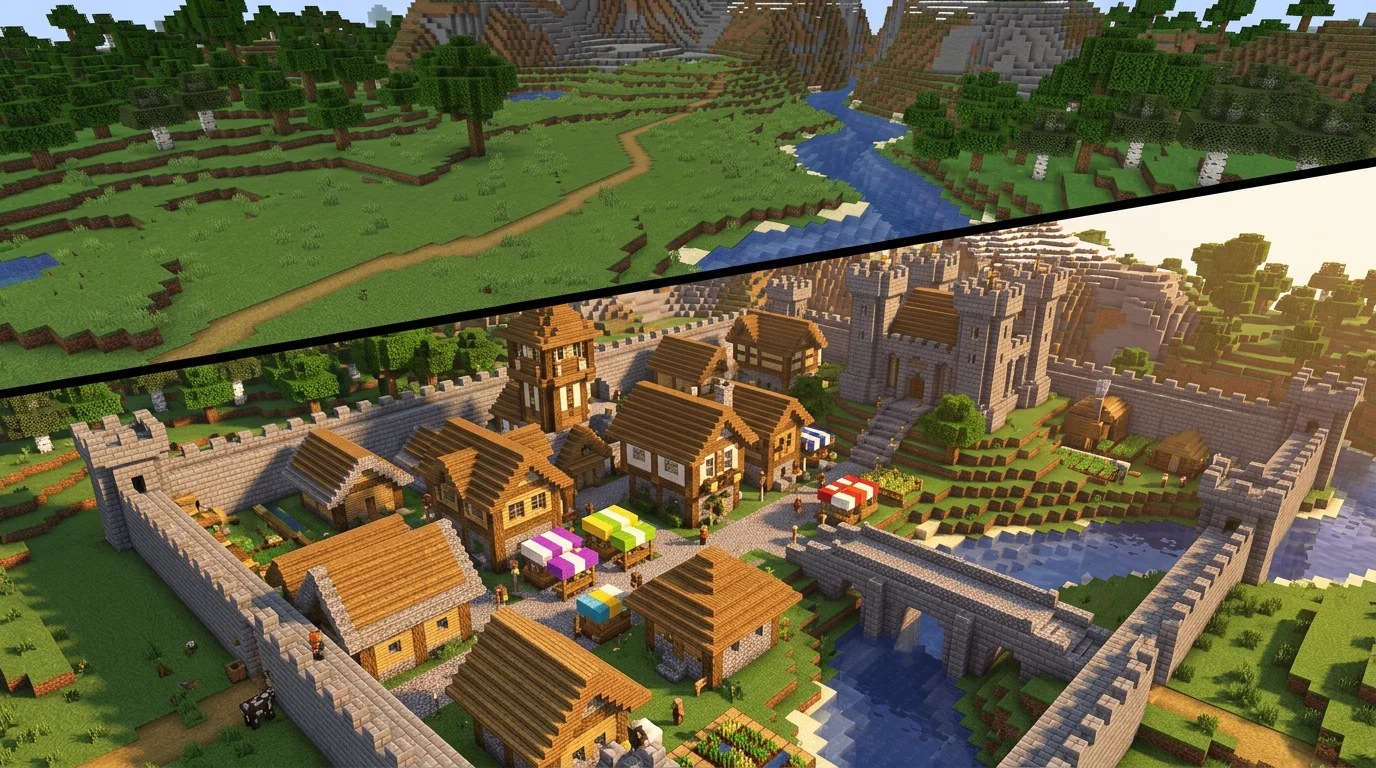
A clean before-and-after reveal for a medieval city build.
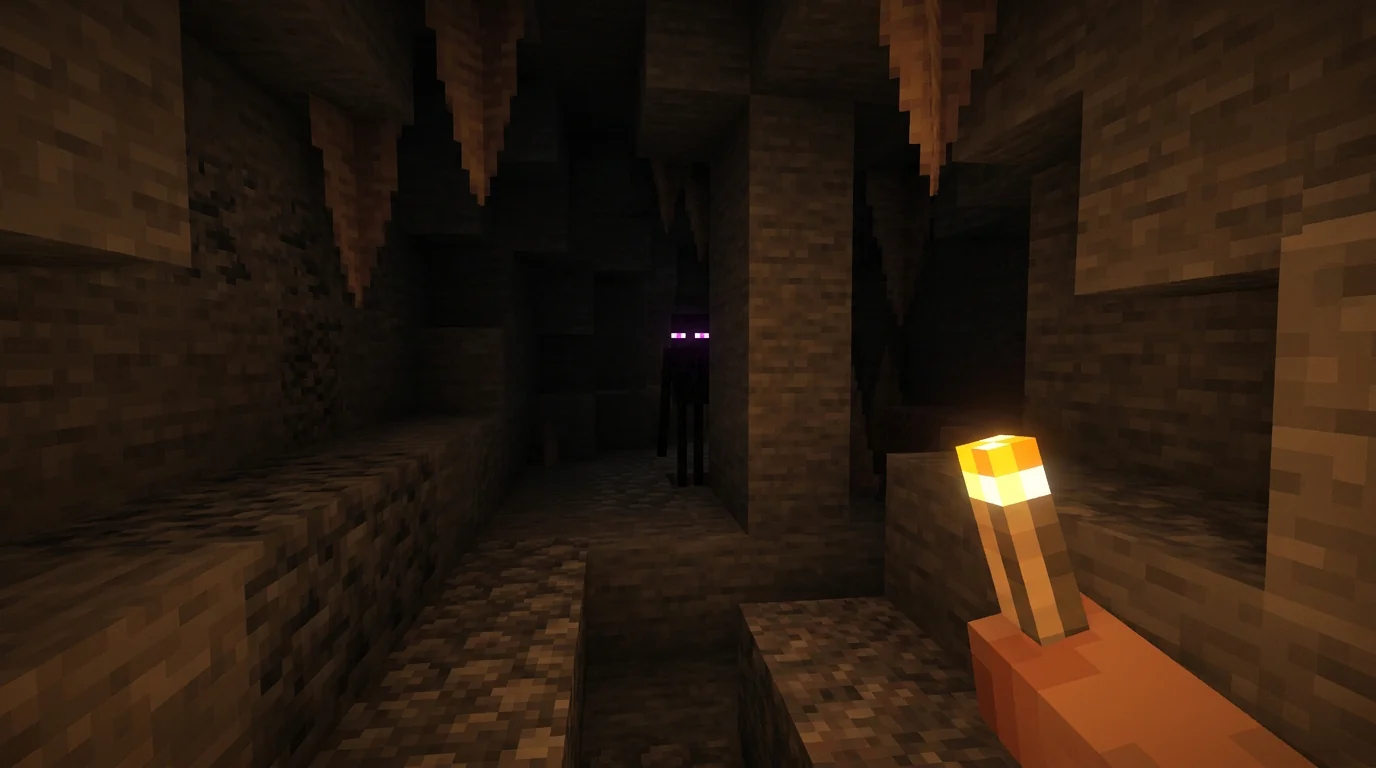
A restrained first-person cave scene with a distant threat.
This tool is intentionally narrow: every control, example, and prompt field points at Minecraft creators who need a fast thumbnail workflow.
Generate distinct hooks, subjects, and title treatments so you can test thumbnail ideas and learn which direction earns more clicks.
Default 16:9 and 1K settings help the generator produce wide, usable Minecraft thumbnail concepts from the first click.
Upload a blocky scene, custom skin, character, build, or pose reference so the minecraft thumbnail maker can follow your visual direction.
Describe the Minecraft style, scene, mood, and composition directly instead of having presets reinterpret your creative direction.
Create a Minecraft thumbnail online without opening Photoshop, GIMP, Paint.net, Blender, or Cinema 4D for the first draft.
Quick rules for faster ideas, stronger scenes, cleaner title text, and repeatable Minecraft thumbnail output.
Many searches around this topic start with how to make a Minecraft thumbnail, not just which tool to open. The fastest workflow is to define the hook first, then choose a readable title, a strong foreground subject, and a simple blocky scene that works at small size. A minecraft thumbnail maker helps compress that process into a short prompt instead of a long layer-by-layer design session.
Use the prompt field like a mini brief: name the moment, the world, the danger, the reward, and the text that should stand out. A good Minecraft thumbnail usually needs one clear subject, one emotional cue, and one readable idea. Once the first concept exists, you can refine the prompt, title, or reference image instead of starting over from a blank canvas.
Many creators want 3D Minecraft thumbnails that match a custom skin, character, or pose. You can upload a skin pose, a build screenshot, or a previous thumbnail direction, then describe the exact 3D-style composition you want in the prompt.
For stronger custom skin thumbnails, keep the character large and readable. Mention armor, tools, mob threats, facial emotion, or the exact pose you want. The tool can then shape the scene for an SMP story, 100 Days challenge, PvP fight, survival run, hardcore world, build, redstone machine, or horror moment without forcing you to build everything by hand.
A free online Minecraft thumbnail maker should feel quick before anything else. This minecraft thumbnail maker keeps that path direct: enter the full creative direction, add optional title text or a reference image, generate a draft, and download the result from the page.
Because the workflow is online, it also fits users searching from Mac, iPad, Android, or mobile devices who do not want to install a full design stack. The goal is a fast draft with strong direction. You can still polish the final image later, but the hard part of finding a clickable Minecraft composition happens first.
Good, cool, and professional-looking Minecraft thumbnails usually start with one specific moment instead of a generic scene. “I found a hidden diamond cave under my starter base” gives the minecraft thumbnail maker a subject, setting, and emotion.
Add short title text if the thumbnail needs words. Keep it punchy: “100 DAYS”, “SECRET BASE”, “1 HP CLUTCH”, or “IMPOSSIBLE FARM” usually reads better than a full sentence. After generation, judge the result by mobile readability, strong focal point, contrast, title space, and whether the idea is understandable in one glance.
Different Minecraft ideas need different thumbnail hooks. This minecraft thumbnail maker keeps those hooks close to the generator so your prompt can stay specific.
Use the minecraft thumbnail maker for survival bases, hidden caves, rare loot, mob danger, hardcore tension, and challenge thumbnails that need clear stakes.
Use the minecraft thumbnail maker for PvP clutch moments, Bedwars bridges, Skywars islands, armor reveals, weapon impact, speed, particles, and competitive thumbnails with strong motion.
Use the minecraft thumbnail maker for megabases, farms, secret doors, redstone machines, texture pack reveals, before-and-after builds, and thumbnails where the structure is the star.
Use the minecraft thumbnail maker for server launches, SMP updates, minigame maps, roleplay scenes, manhunt hooks, livestream announcements, and thumbnails that need a clear community signal.
Use these minecraft thumbnail maker examples as a quick quality bar, then rewrite the prompt for your exact Minecraft idea.
A clear betrayal story with readable text and real game items.
A survival milestone with one threat and a visible story.
A close arena fight with an immediate one-heart hook.
A clean before-and-after reveal for a medieval city build.
A restrained first-person cave scene with a distant threat.
Short answers for creators comparing AI thumbnail tools and Minecraft-specific thumbnail workflows.
A minecraft thumbnail maker is an AI tool that turns a Minecraft idea into a thumbnail concept with blocky scenes, bold foreground subjects, and large readable title text.
The first-screen generator defaults to 16:9 and 1K resolution, with 2K and 4K available from the output controls.
Yes. The first screen includes a reference image upload button and shows a preview before generation.
Instead of hand-building scenes, text, lighting, and composition, you describe the idea and let the minecraft thumbnail maker create a polished direction in seconds.
The page is built as an online Minecraft thumbnail maker workflow, so visitors can start from the browser, create a draft, and download the result without setting up desktop design software.
Yes. The generator is designed for people who want a Minecraft thumbnail without Photoshop, GIMP, Paint.net, Blender, or Cinema 4D as the first step.
Yes. Upload a reference image when you want the minecraft thumbnail maker to follow a custom skin, character, build, pose, or previous thumbnail style.
Yes. Describe the style and 3D composition you want directly in the prompt, including recognizable characters, blocks, items, terrain, lighting, and camera direction.